Visibility Is Everything
You can't manage what you can't see. And in most organizations, the reality is sobering: IT teams have an incomplete picture of what software is actually installed across their device fleet. Shadow IT, outdated versions, forgotten trial installations, and unauthorized tools lurk on machines everywhere.
Altiview's application inventory gives you complete, real-time visibility into every piece of software running on every managed device.
Comprehensive Application Inventory
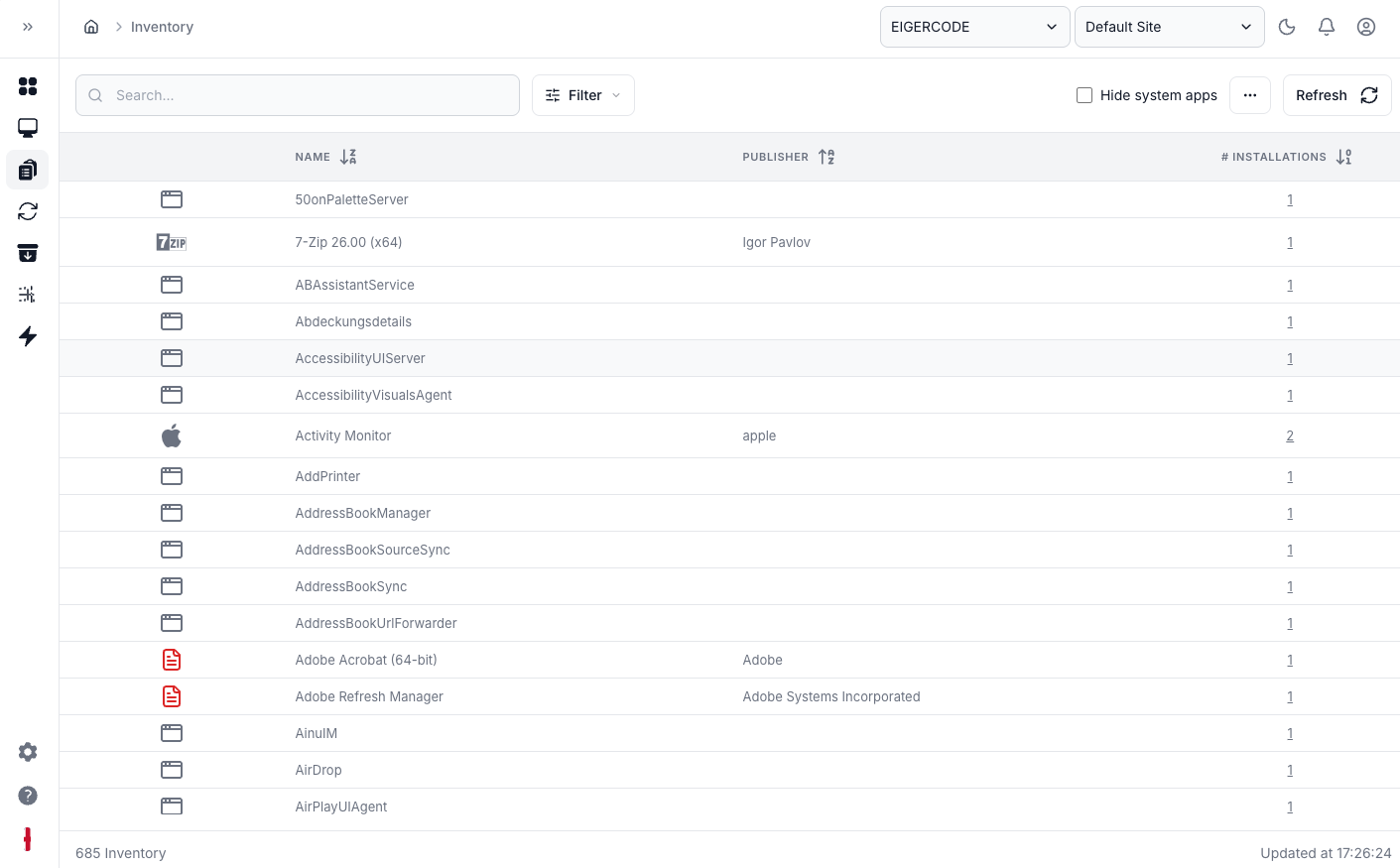
Every managed device continuously reports its installed applications back to the Altiview dashboard. This isn't a one-time scan — it's a living inventory that updates automatically as software is installed, updated, or removed.
For each application, you can see:
- Version number — spot outdated or inconsistent versions instantly
- Installation date — know when software appeared on a device
- Device count — see how many machines have a particular app
- Platform breakdown — understand distribution across operating systems
License Compliance
Software licenses are expensive, and audits are stressful. With Altiview's inventory, you always know exactly how many installations of a licensed application exist across your fleet. Compare actual usage against your license count, identify over-deployment before the vendor does, and make informed purchasing decisions when it's time to renew.
Unauthorized Software Detection
Define an allowed-list of approved applications, and Altiview will flag anything that doesn't belong. Whether it's a well-meaning employee installing a personal tool or something more concerning, you'll know about it immediately.
Version Consistency
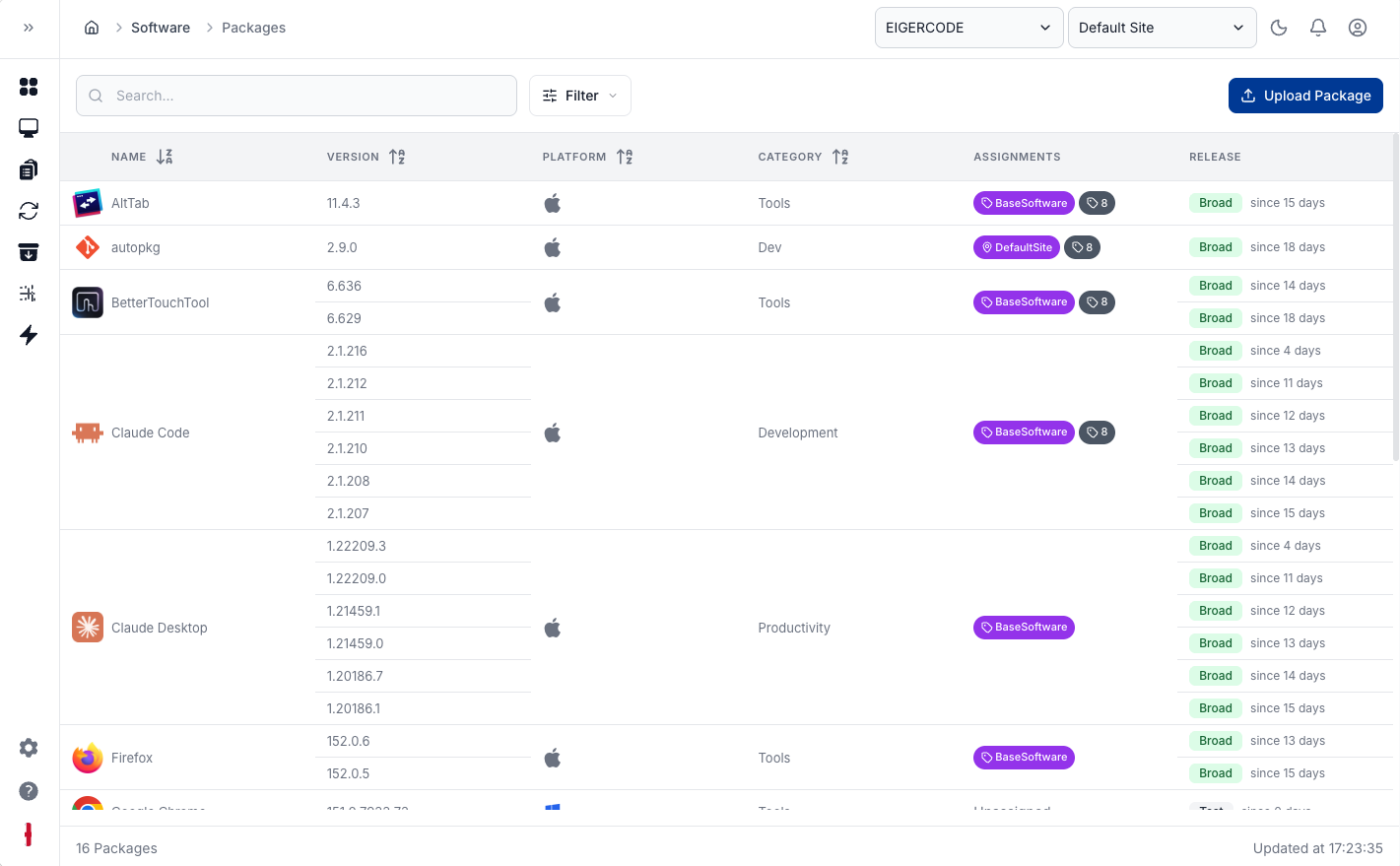
Running different versions of the same application across your fleet is a recipe for compatibility issues and security vulnerabilities. Altiview highlights version discrepancies so you can push updates where they're needed and maintain consistency.
Reporting and Export
Need to produce a report for an audit, your manager, or a compliance review? Altiview's inventory data can be exported and filtered in any way you need. Generate reports by device group, operating system, application, or time period.
Actionable Insights
Knowing what's installed is only the first step. From the inventory view, you can take immediate action: push an update to devices running an old version, uninstall unauthorized software remotely, or create a deployment to fill gaps where a required application is missing.