The Configuration Problem
Every device in your organization needs to be configured correctly — Wi-Fi credentials, VPN settings, security policies, email accounts, encryption requirements, firewall rules. Multiply that by hundreds of devices across multiple operating systems, and you have a full-time job just keeping configurations consistent.
Altiview's configuration management lets you define settings once and push them everywhere, automatically.
Configuration Profiles
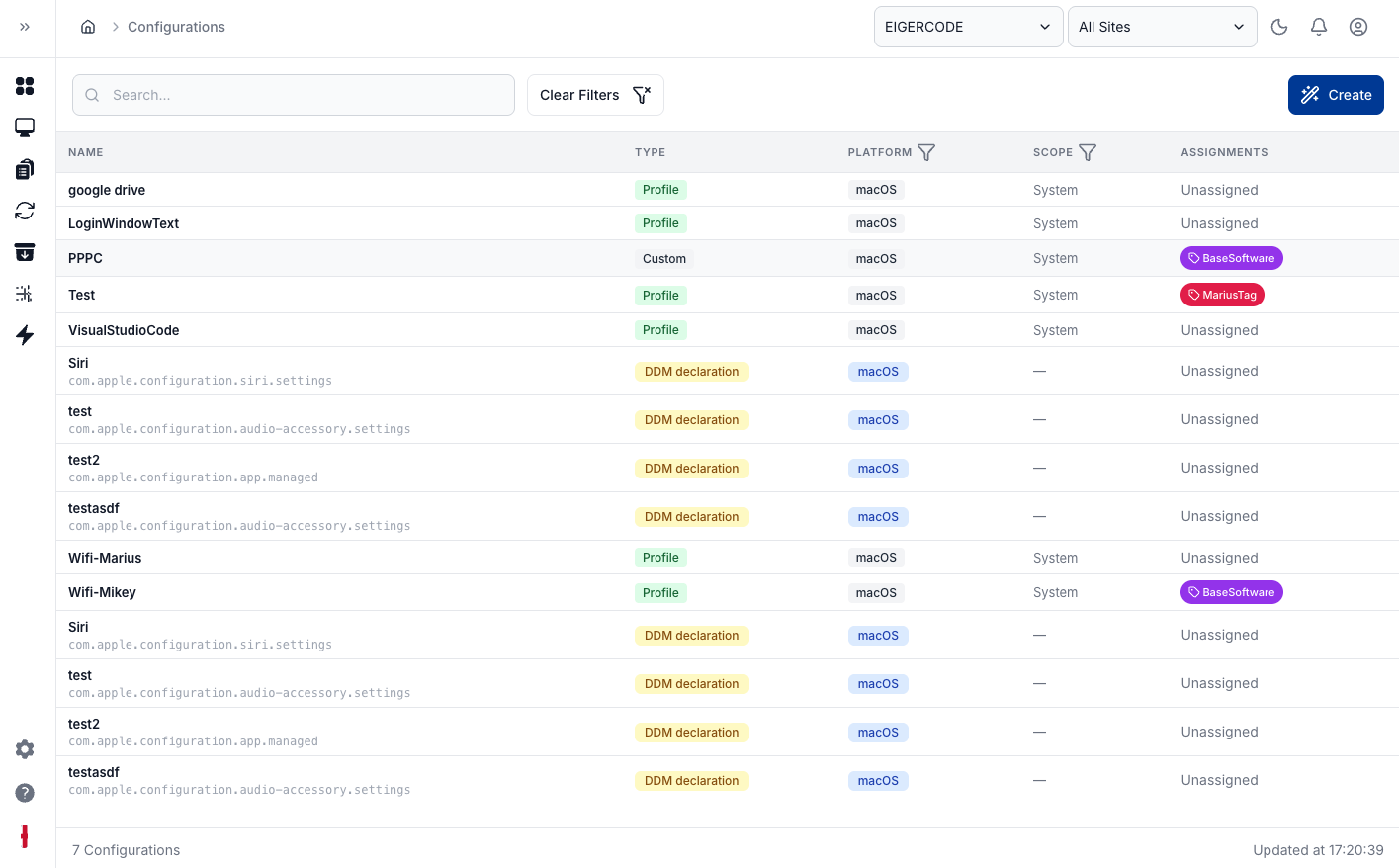
A configuration profile is a collection of settings that can be applied to devices or groups of devices. Profiles can include:
- Network settings — Wi-Fi, VPN, proxy configurations
- Security policies — password requirements, encryption enforcement, screen lock timeouts
- Email and account settings — pre-configured email accounts and calendar sync
- Restrictions — disable specific features, block app installations, control access to system settings
- Custom settings — any key-value configuration supported by the operating system
Role-Based Configuration
Different teams need different configurations. Your developers need access to terminal and admin tools. Your sales team needs VPN profiles for remote access. Your executives need stricter security policies. Altiview lets you create profiles for each role and assign them to device groups.
Layered Profiles
Profiles can be layered. Start with a base profile that applies to every device (security baseline, network settings), then add role-specific profiles on top. When a setting conflicts, the more specific profile wins. This gives you both consistency and flexibility.
Dynamic Assignment
Profiles can be assigned based on dynamic criteria — operating system, department, location, or custom tags. When a new device is enrolled and matches the criteria, it automatically receives the correct configuration. No manual intervention required.
Instant Deployment
When you update a profile, the changes are pushed to all affected devices immediately. Need to rotate the Wi-Fi password for your entire office? Update the network profile, and every device gets the new credentials within minutes. No walking desk to desk, no sending instructions and hoping people follow them.
Compliance Monitoring
Configuration drift is inevitable. Users change settings, workarounds accumulate, and devices slowly diverge from your intended state. Altiview continuously monitors devices against their assigned profiles and flags any deviations.
You can choose to simply report on drift, or configure automatic remediation that brings devices back into compliance without any manual effort.
Cross-Platform Consistency
The same logical configuration — say, enforcing full-disk encryption — might be implemented differently on macOS (FileVault), Windows (BitLocker), and Linux (LUKS). Altiview abstracts these differences. Define the intent once, and the platform handles the OS-specific implementation details.
test: Wed Mar 18 20:14:57 CET 2026